
How to Store Bitcoin Safely in 2026 (Complete UK Guide)

Why Bitcoin Storage Matters
Bitcoin is fundamentally different from money in a bank. There is no customer service line. No fraud protection. No password reset. If you lose access to your Bitcoin, or someone steals it, it is gone permanently with no avenue for recovery.
This is not a flaw in Bitcoin’s design — it is a direct consequence of true ownership. With Bitcoin, you can hold an asset that no government, bank, or company can freeze or confiscate. But that same property means the responsibility for keeping it safe falls entirely on you.
The good news: storing Bitcoin safely is not complicated once you understand the basics outlined in this guide.
The Two Main Types of Bitcoin Storage
Hot Wallets (connected to the internet)
Apps like Trust Wallet, Exodus, or exchange wallets on platforms like Coinbase and Binance. Convenient for small amounts and regular trading. Vulnerable to hacking, phishing, and malware because your private keys are in an internet-connected environment.
Cold Wallets (offline storage)
Hardware devices that store your private keys completely offline. The gold standard for anyone holding significant amounts of Bitcoin or planning to hold long-term.
| Storage Type | Security Level | Best For |
|---|---|---|
| Exchange wallet | Low | Active trading only |
| Hot wallet (app) | Medium | Small amounts, regular use |
| Hardware wallet | High | Long-term storage, large holdings |
| Multisig setup | Very high | Advanced users, institutional |
The Safest Option: Hardware Wallets
A hardware wallet keeps your private keys offline and completely separate from your computer or phone. Even if your laptop is infected with malware, your Bitcoin stays safe because the keys never touch an internet-connected device.
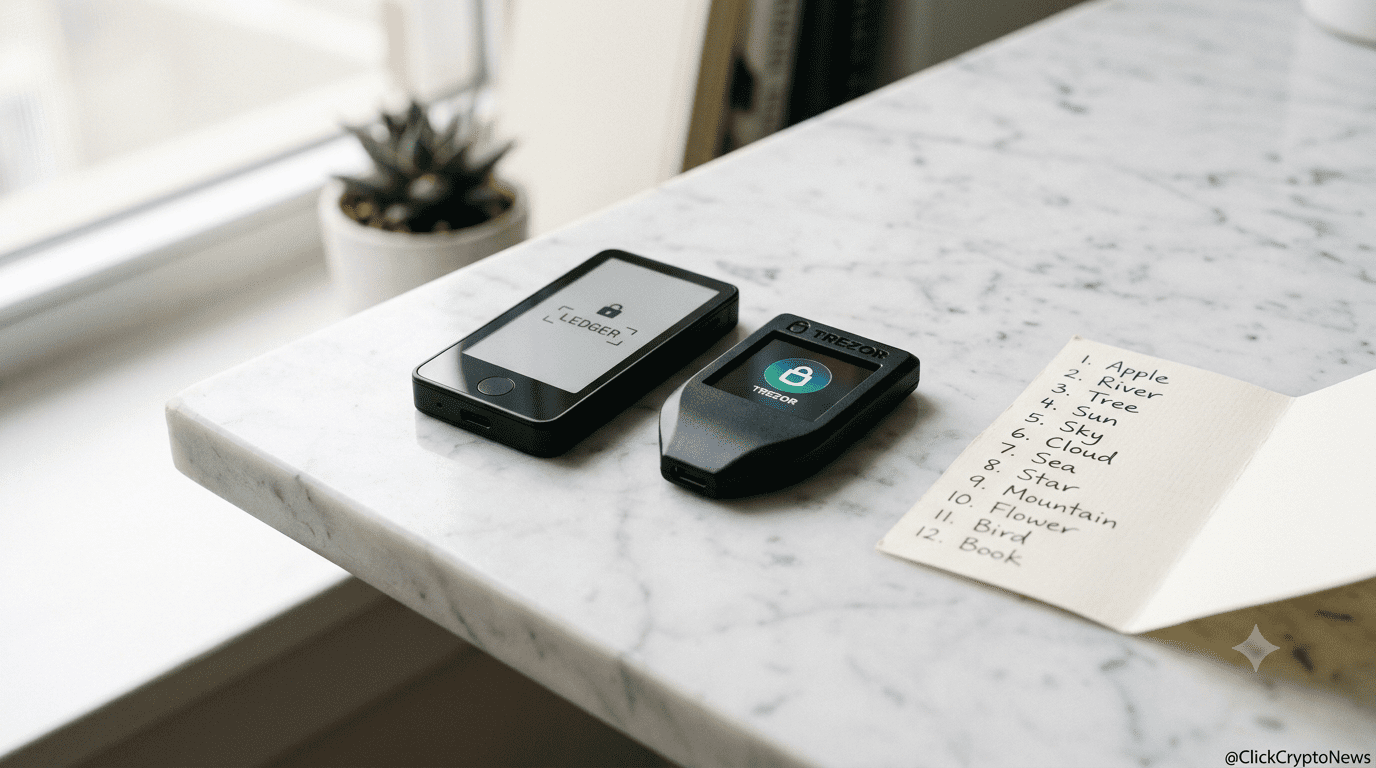
The two most trusted hardware wallets in 2026 for UK holders are the Ledger Nano X and the Trezor Safe 5. Both are available on Amazon UK with fast delivery and represent the best starting point for anyone serious about learning how to store Bitcoin safely.
Ledger Nano X — Compact, Bluetooth-enabled, supports 5,500+ cryptocurrencies. Ideal for UK holders who want security without complexity. Best mobile-first hardware wallet available.
Trezor Safe 5 — Open source firmware, colour touchscreen, no Bluetooth. The choice for security purists who want full transparency over every line of code protecting their Bitcoin.
Both are significantly safer than keeping Bitcoin on an exchange or mobile wallet.
Buy Ledger Nano X on Amazon UK | Buy Trezor Safe 5 on Amazon UK
The Golden Rules of Bitcoin Storage
- Not your keys, not your coins. If your Bitcoin sits on an exchange, you don’t truly own it. You own an IOU. Exchanges can freeze withdrawals, get hacked, or collapse, as FTX demonstrated in 2022.
- Write your seed phrase on paper — never digitally. When you set up a hardware wallet, you receive a 12 or 24-word seed phrase. Write it on paper. Store it somewhere fireproof. Never photograph it or type it anywhere.
- Never share your seed phrase with anyone. No legitimate wallet company, exchange, or support team will ever ask for it. Ever. Any request for your seed phrase is a scam.
- Use two-factor authentication everywhere. For any exchange account you keep, enable 2FA using an authenticator app — not SMS, which can be SIM-swapped.
- Test a small recovery before storing large amounts. Before transferring significant Bitcoin to a hardware wallet, do a test recovery with a tiny amount to confirm you can restore access.
Ledger vs Trezor — Which Should You Choose?
| Feature | Ledger Nano X | Trezor Safe 5 |
|---|---|---|
| Coin support | 5,500+ | 1,800+ |
| Bluetooth | ✅ Yes | ❌ No |
| Open source | Partial | ✅ 100% |
| Touchscreen | ❌ No | ✅ Yes |
| Mobile app | ✅ Excellent | Limited |
| UK price | ~£130 | ~£180 |
What About Exchange Storage?
Keeping small amounts on reputable exchanges like Coinbase or Kraken is acceptable for active trading. But anything you’re holding long-term should be moved to cold storage.
A simple rule: if you wouldn’t leave that amount of cash in an unlocked car, don’t leave it on an exchange. The fact that you’re asking how to store Bitcoin safely already suggests you’ve recognised that exchanges aren’t the right long-term answer.
Protecting Your Seed Phrase
Your seed phrase is the most critical piece of information in your entire Bitcoin setup. Whoever holds the seed phrase controls the Bitcoin, regardless of who originally set up the wallet. Protecting it properly is as important as choosing the right wallet in the first place.
Store your seed phrase in at least two separate physical locations. Many experienced holders use a combination of paper and metal backup plates, stamped with the words in order. Metal plates are particularly useful because they survive fire and water damage that would destroy paper.
Never store your seed phrase in cloud storage, email drafts, notes apps, or anywhere that exists on a connected device. Phishing attacks specifically target people who have stored seed phrases digitally, and a single successful attack can drain your entire balance instantly.
Common Bitcoin Storage Mistakes to Avoid
Understanding how to store Bitcoin safely also means knowing what not to do. The most common mistakes that result in permanent loss include leaving Bitcoin on exchanges long-term, storing seed phrases digitally, buying hardware wallets second-hand, and failing to test wallet recovery before storing significant amounts.
Another frequent error is having only one backup of the seed phrase. If your single paper copy is destroyed and you can no longer access the wallet, your Bitcoin is gone. Two backups stored in two separate locations removes this single point of failure.
Finally, many people overlook the importance of letting a trusted family member or legal executor know that Bitcoin exists and roughly how to access it in an emergency. Digital assets do not show up in standard financial records, and Bitcoin left in inaccessible storage after a holder’s death is effectively lost forever.
Setting Up a Hardware Wallet — Step by Step
For anyone new to self-custody, here is what to expect when setting up a hardware wallet for the first time. The process is the same whether you choose Ledger or Trezor.
First, connect the device to your computer via USB and follow the on-screen prompts to install the latest firmware. This step ensures your device has the most current security patches before you generate any keys on it.
Second, the device will generate your seed phrase, a sequence of 12 or 24 random words, directly on its own screen. Write these down in the exact order shown, using the recovery cards included in the box. Check and double-check the order — one word out of place will prevent recovery.
Third, the setup process will ask you to verify the seed phrase by re-entering selected words in sequence. This confirms you have written it down correctly before any funds are transferred.
Finally, download the companion app, Ledger Live for Ledger or Trezor Suite for Trezor, add accounts for the cryptocurrencies you hold, and generate a receiving address to verify your new wallet is working. Send a small test amount first, confirm it arrives, and only then transfer your full balance.
How to Store Bitcoin Safely Long-Term
Knowing how to store Bitcoin safely is not a one-time decision — it requires some ongoing attention as your holdings grow and as the wider ecosystem evolves.
Review your seed phrase backup at least once a year to confirm the paper or metal is still readable and the storage location is still secure. If your circumstances change, such as moving house, update your backup storage arrangement accordingly.
Keep your hardware wallet firmware updated. Manufacturers regularly release patches that address newly discovered vulnerabilities, and running outdated firmware is an avoidable security gap that affects a surprising number of long-term holders.
As your Bitcoin holdings grow in value, consider whether your current backup arrangement remains proportionate to what you are protecting. Many holders who started with a single paper backup eventually upgrade to metal backup plates and begin storing copies across multiple locations, such as a home safe and a bank safety deposit box.
Finally, be aware that phishing attempts targeting hardware wallet users tend to spike around periods of high market activity or major news events. Anyone claiming to represent Ledger, Trezor, or any other wallet company and asking for your seed phrase is attempting a scam. Knowing how to store Bitcoin safely ultimately includes knowing how to recognise and ignore these attempts entirely.
Paper Wallets — Are They Still Worth It?
Paper wallets, printed QR codes of your private keys, were popular in Bitcoin’s early days but are now considered outdated and risky. They are easy to damage, difficult to use correctly, and no longer recommended for most people in 2026. Generating one safely requires a completely airgapped computer, specific software, and a degree of technical knowledge that makes the process error-prone for most users.
A hardware wallet is safer, more practical, and not significantly more expensive once you consider the value of what you are protecting. Anyone currently using a paper wallet as their primary storage method should consider migrating to a hardware wallet as a priority.
Final Thoughts
Bitcoin storage does not need to be complicated, but it does need to be intentional. A hardware wallet costing between £130 and £180 protects an asset that could be worth far more, and the habits around seed phrase backup and secure storage described in this guide cost nothing beyond a little time and care. For UK holders in 2026, the question is no longer whether to use cold storage, but which device to start with.
Related reading: Ledger Nano X Review UK 2026 and Trezor Safe 5 Review UK 2026
📲 Follow us for daily crypto updates:
Telegram: t.me/clickcryptonews |
WhatsApp: Join our WhatsApp Channel
Frequently Asked Questions
What is the safest way to store Bitcoin in 2026?
The safest way to store Bitcoin in 2026 is using a hardware wallet such as a Ledger Nano X or Trezor Safe 5, kept offline with the seed phrase backed up securely in two separate physical locations.
Is it safe to leave Bitcoin on Coinbase or Binance?
For active trading, reputable exchanges like Coinbase are generally safe for small amounts. For long-term holding, moving Bitcoin to a hardware wallet under your direct control is significantly safer.
What happens if I lose my hardware wallet?
If you lose your hardware wallet but still have your seed phrase, you can fully restore your Bitcoin on any compatible wallet device. The seed phrase — not the physical device — is the true key to your Bitcoin.
How to store Bitcoin safely without a hardware wallet?
Without a hardware wallet, a reputable software wallet like Electrum on a dedicated offline computer is the next safest option. However, hardware wallets are the recommended standard for anyone holding more than a small amount of Bitcoin.


